**Main Menu** *- Don't be confused about "*Mobility Hub*", you won't find this feature* in your mod version yet *- it is in the* early development phase.
--- ### Selecting an Intersection 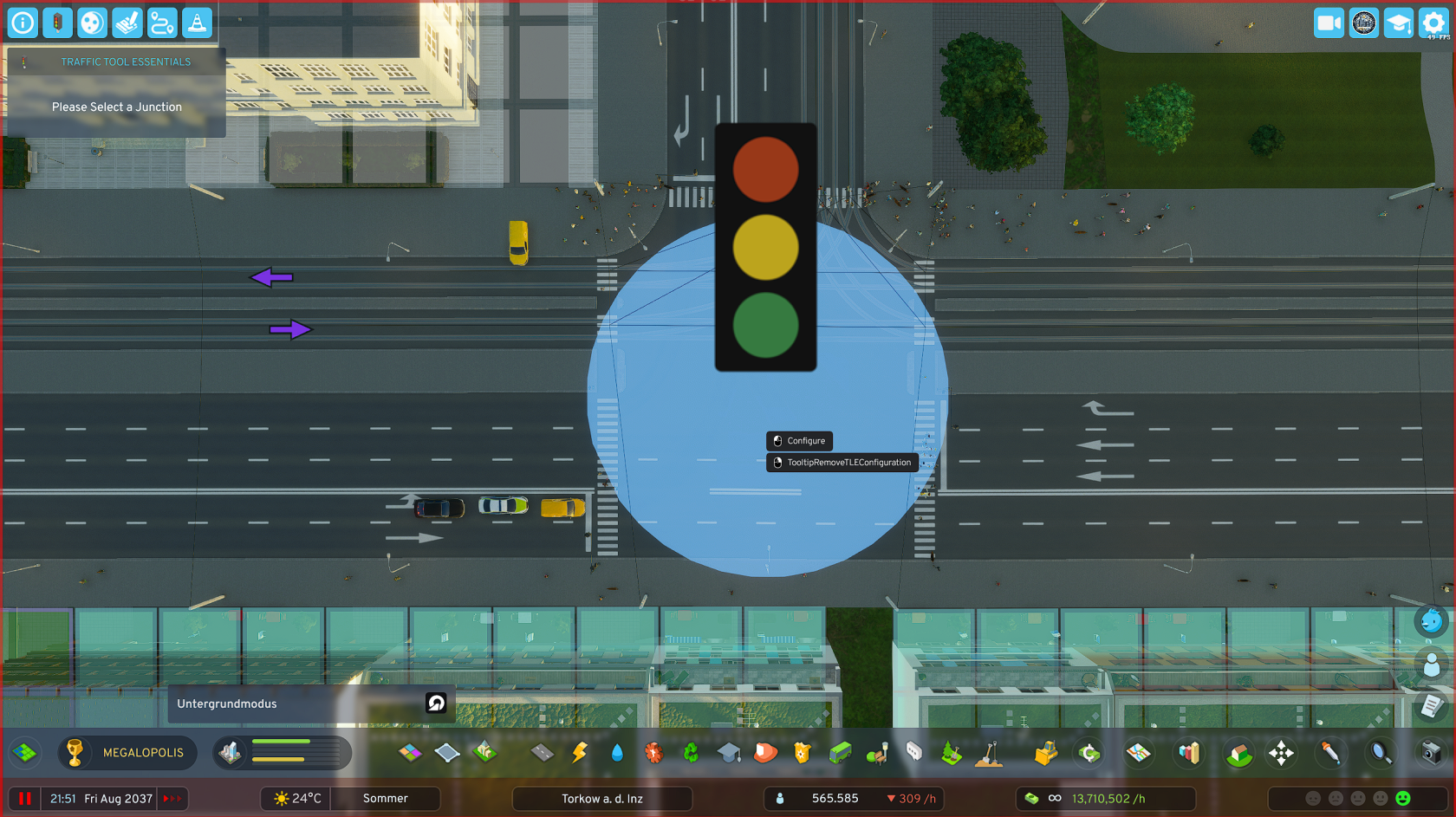 - Select "**Edit intersection phases**" in the open TTE menu. - The **selection tool is now activated** and you can only click on intersections. - **ESC** to **exit** the selection tool.**Selection Tool** Hover with the selection tool over the desired intersection and click with the left mouse button. This takes you to the editor of the respective intersection.
--- ### Editing an Intersection [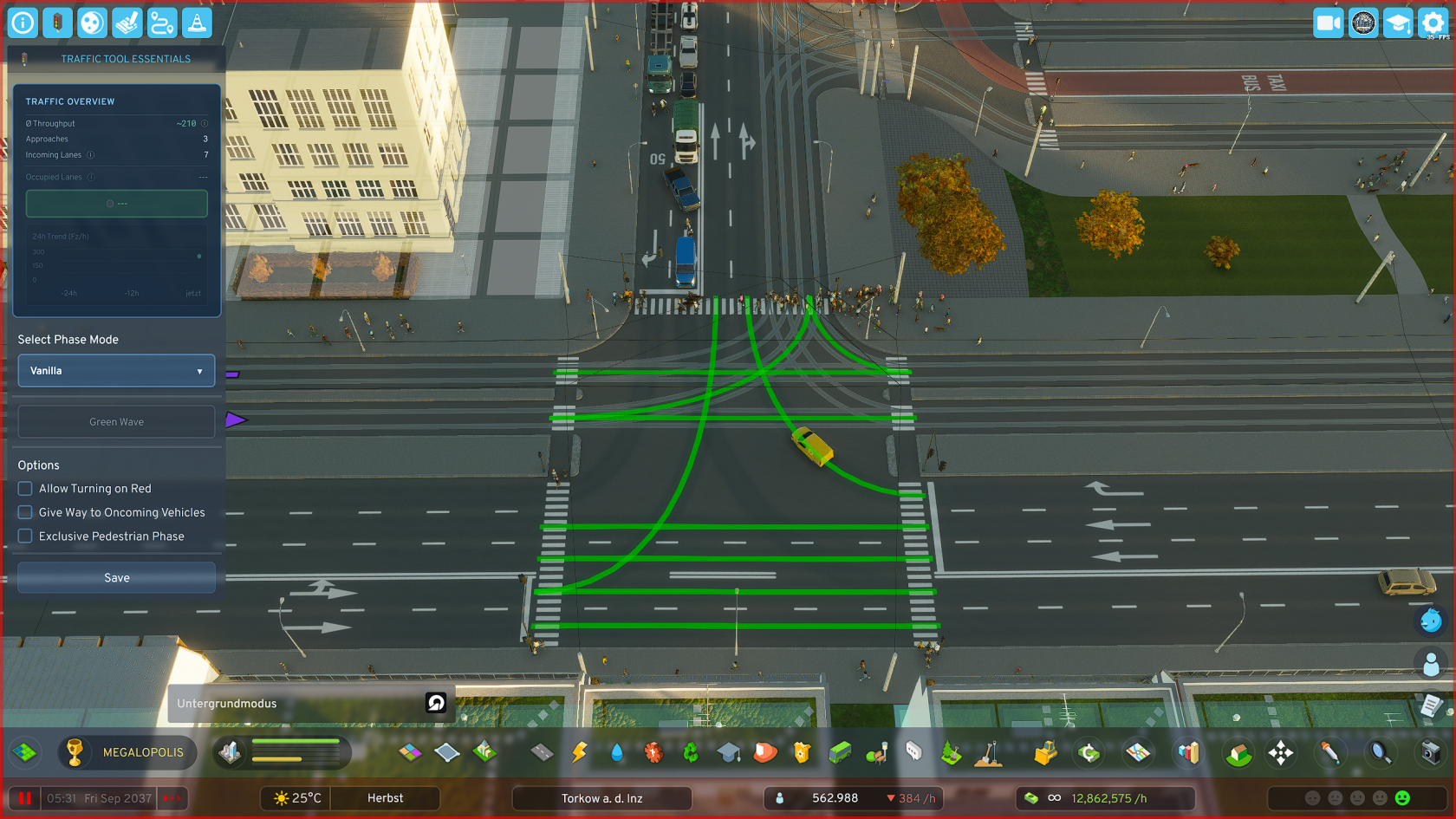](https://shelf.zessons.de/uploads/images/gallery/2025-12/AMjorhkrklwrSuDC-kreuzung-vanilla.png) Once you have **clicked on an intersection**, you go directly to the **editor** of the respective intersection. There are predefined **quick-select phase templates**, such as "Split Phase", or "Extended Split Phase".**Intersection Editor** - In the editor you have an immediate rough overview of your selected intersection's data - You have **additional options**, e.g. **"Turn on red"** or "**Exclusive pedestrian phase**", to better adapt your intersection to local conditions