Intersection Configuration
Getting Started
Getting Started
How to Begin / Opening the Menu

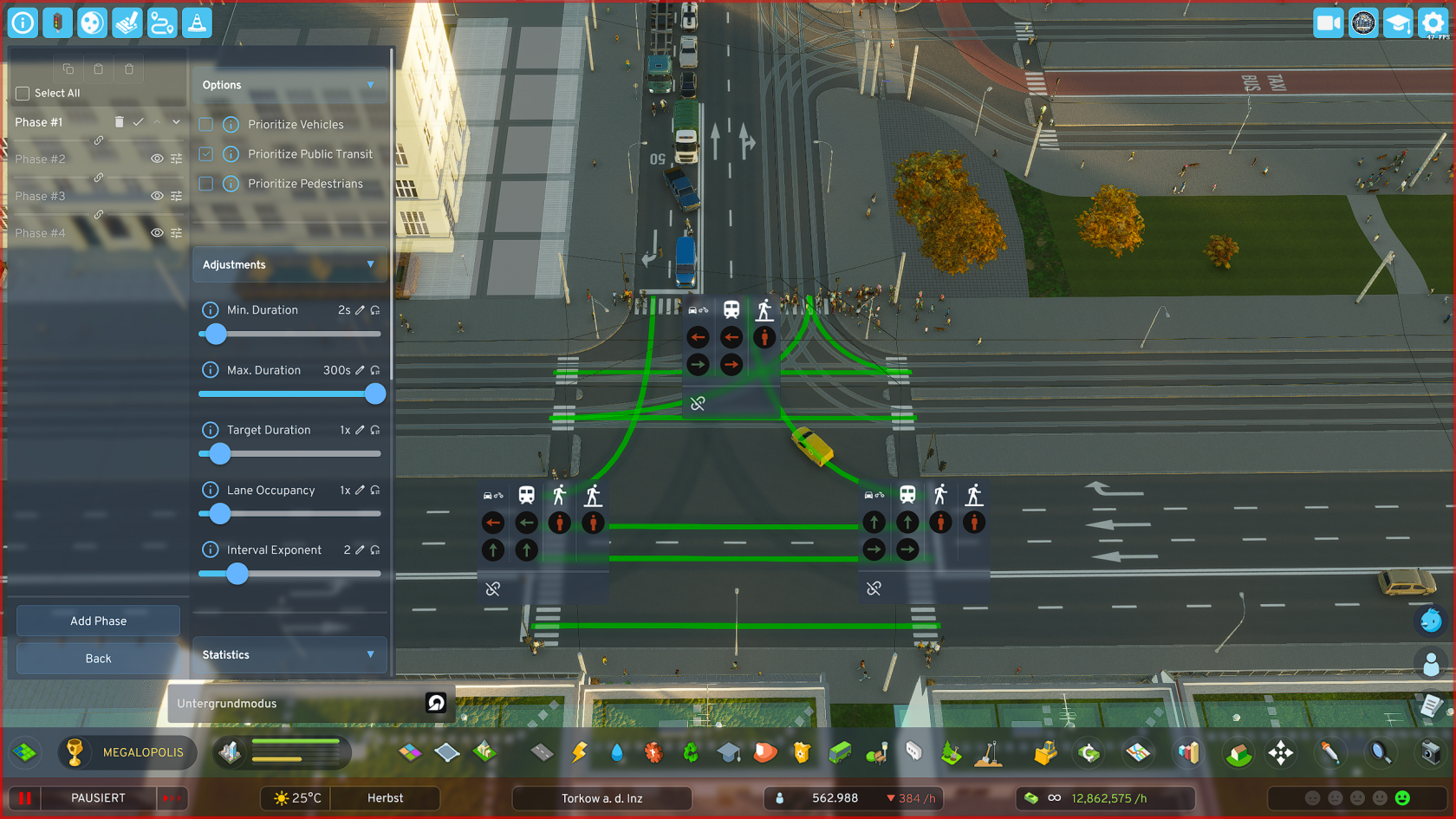
- As soon as you click on the traffic light icon in the upper left corner of the game in your toolbar, the main menu of TTE opens. It looks like this.
- To now configure intersections, click on the corresponding button.
- Don't be confused about "Mobility Hub", you won't find this feature in your mod version yet - it is in the early development phase.
Selecting an Intersection

- Select "Edit intersection phases" in the open TTE menu.
- The selection tool is now activated and you can only click on intersections.
- ESC to exit the selection tool.
**Selection Tool**
Hover with the selection tool over the desired intersection and click with the left mouse button. This takes you to the editor of the respective intersection.
Editing an Intersection
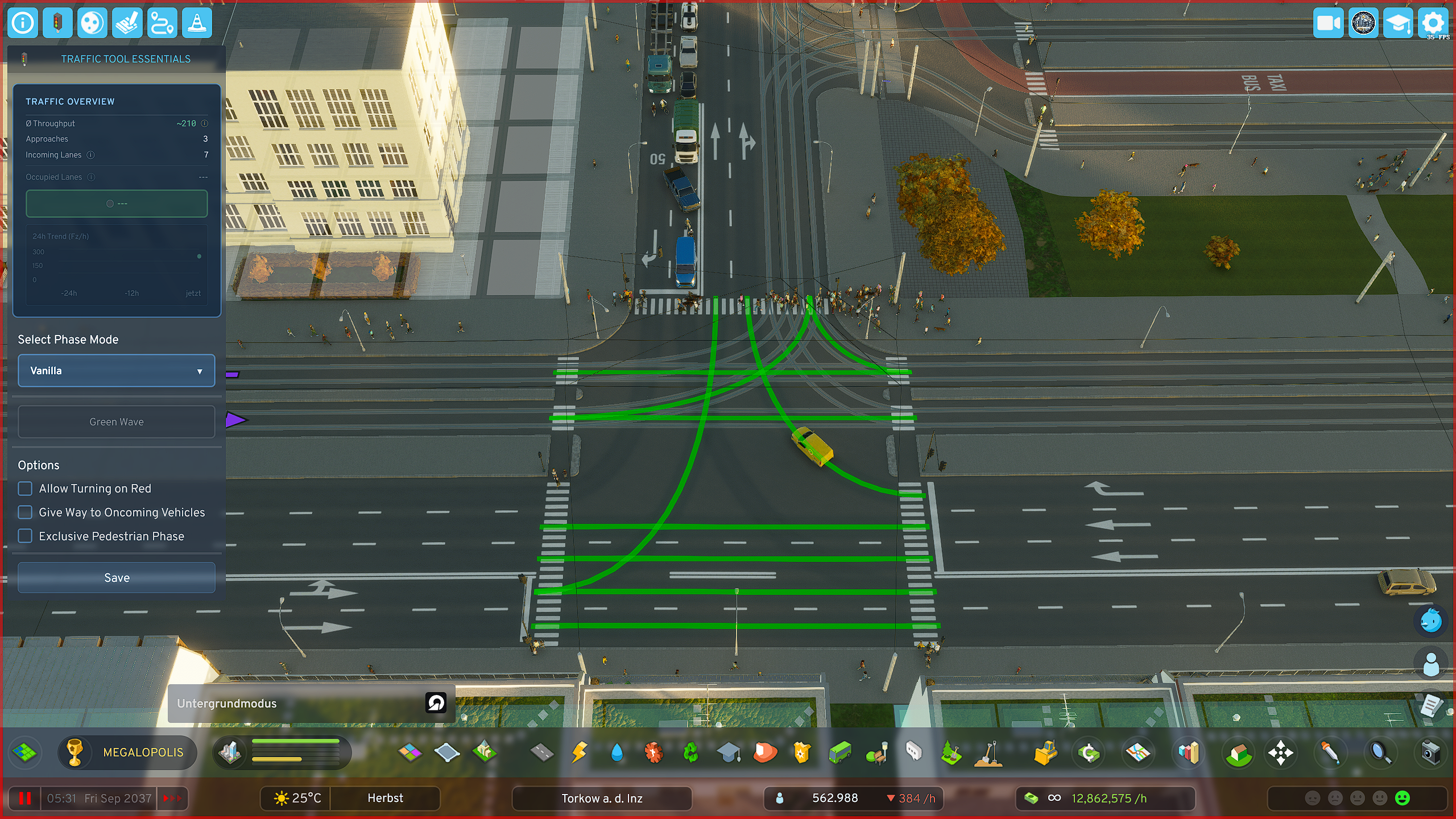
Once you have clicked on an intersection, you go directly to the editor of the respective intersection.
There are predefined quick-select phase templates, such as "Split Phase", or "Extended Split Phase".
**Intersection Editor** - In the editor you have an immediate rough overview of your selected intersection's data - You have **additional options**, e.g. **"Turn on red"** or "**Exclusive pedestrian phase**", to better adapt your intersection to local conditions
Predefined Settings
Predefined Settings
Predefined Modes
The mod comes with several predefined modes that can be sufficient in some situations to significantly improve intersection performance. These include the following - and what they do:
- Vanilla:
Straight/turning protected, one turning side grants priority (LHT: Right turners / RHT: Left turners) - Split Phase:
Only one road approaching the intersection has green at a time - Extended Split Phase:
Like Split Phase, but additionally with protected turning lanes for the cross street - Protected Left/Right Turn:
First the turning lane switches (LHT: Left / RHT: Right), then the regular traffic flow for straight/opposite direction follows
For advanced **details** and **real vehicle counting, occupied lanes, waiting vehicles, etc.** a **custom phase cycle** is required
For complicated intersections it is always recommended to design custom phase cycles to experience the best performance and most fun with the mod's features
Predefined Options
The mod comes with several predefined options with which you can extend the predefined modes, which can again significantly improve intersection performance. These include the following - and what they do:
- Allow Turn on Red:
Allows turning (LHT: Left / RHT: Right) despite a red light - Yield to Oncoming Vehicles (Vanilla only):
Vehicles must watch for oncoming traffic when turning
(High traffic volume can reduce effectiveness when drivers aggressively "push through") - Exclusive Pedestrian Phase:
All vehicles stop; a dedicated phase only for pedestrians becomes active- Pedestrian Phase Duration: Sets the green phase for pedestrians.
- Note: Only active with "Exclusive Pedestrian Phase". The traffic lights are not "smart" and do not extend automatically
**Parameter Description**
- Minimum Duration: The phase must run at least this long, completely independent of whether there is high or low traffic on it
- Maximum Duration: The phase may be active for at most this long (e.g., to actively reduce phase duration on lower-traffic arms to favor main traffic directions)
- Target Duration: Influences (as one of two factors) the duration of the green phase. 2x = twice as long, etc.
- Lane Occupancy: Influences (as the second of two factors) the duration of the green phase, but target-controlled, not in principle like target duration, but ONLY when the lane is actually occupied by vehicles
- Interval Exponent: Vehicles and phases that would have to wait a long time are favored in Priority Mode to prevent them from "starving". However, this can be handled more elegantly with the more modern variant (Sequential Mode)
Custom Phase Cycles
Opening the Phase Editor Base Menu (PBM)

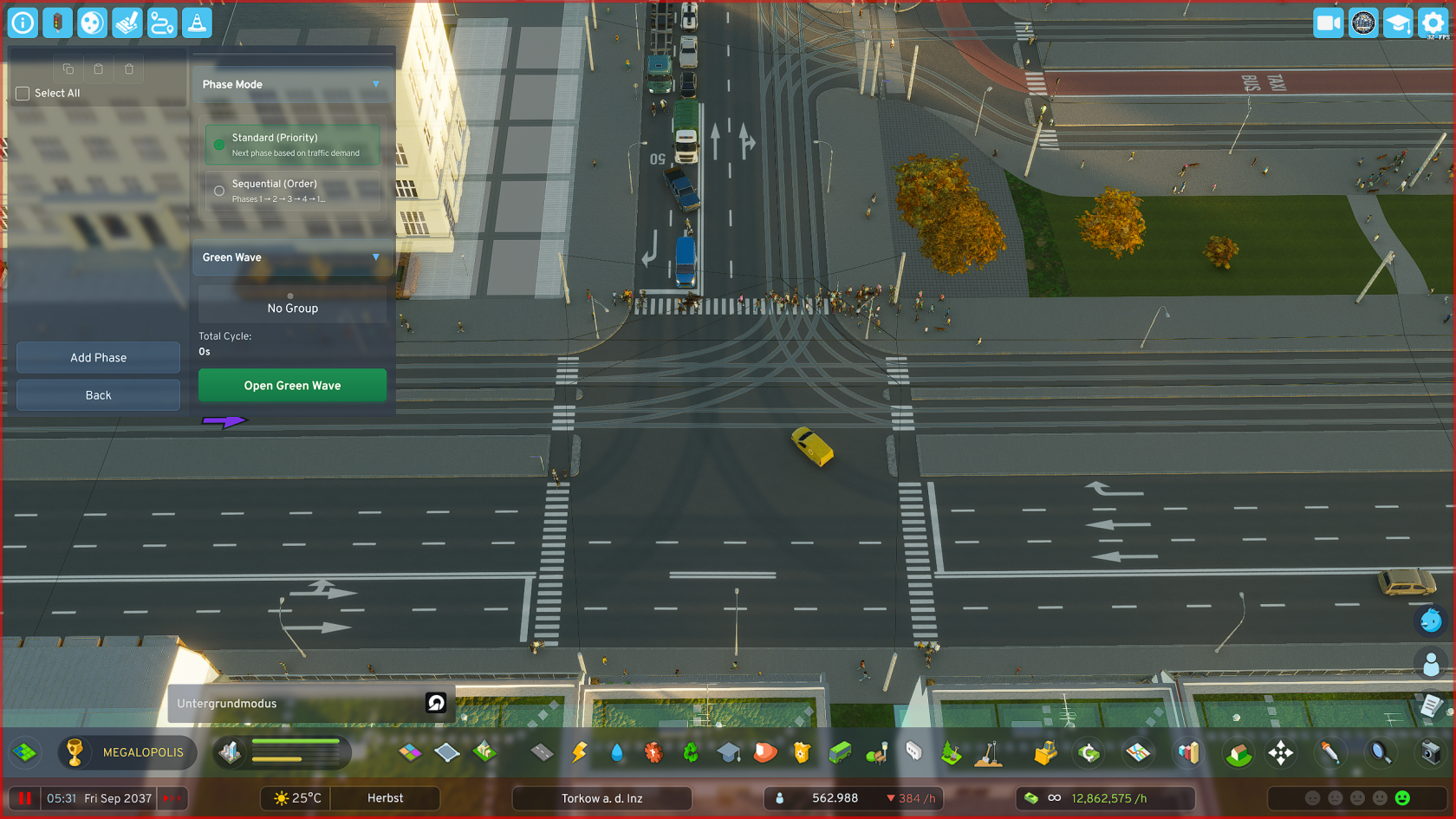
**Phase Editor (Base Menu)** Here you can manage your phases: **Create** phases, **move** phases, **edit** phases, **delete** phases, **copy** phases and **paste** phases
Adding a Phase

- Click on "Add Phase", the phase menu opens immediately
- Set the parameters of the respective phase according to your preferences and local requirements
- Also set here which road users should be prioritized in a phase.
For example, if a tram and individual traffic lane cross in a phase and you have set to prioritize public transit, traffic waits until the tram has passed the intersection